
Easy projects to get started with Arduino: a practical guide with simulated examples
Master Arduino from scratch
If you're taking your first steps in programming and electronics, starting with easy Arduino projects is the best way to learn without frustration. Arduino is accessible, intuitive, and lets you see real results from day one.
And the best part: today you can practice even without a physical board, thanks to simulation in virtual environments like FoxBit, where you can connect components, program and experiment without risk.
In this guide you will find a selection of projects ideal for beginners so you can start learning from anywhere.
1. Turning on an LED: Arduino's "Hello World"
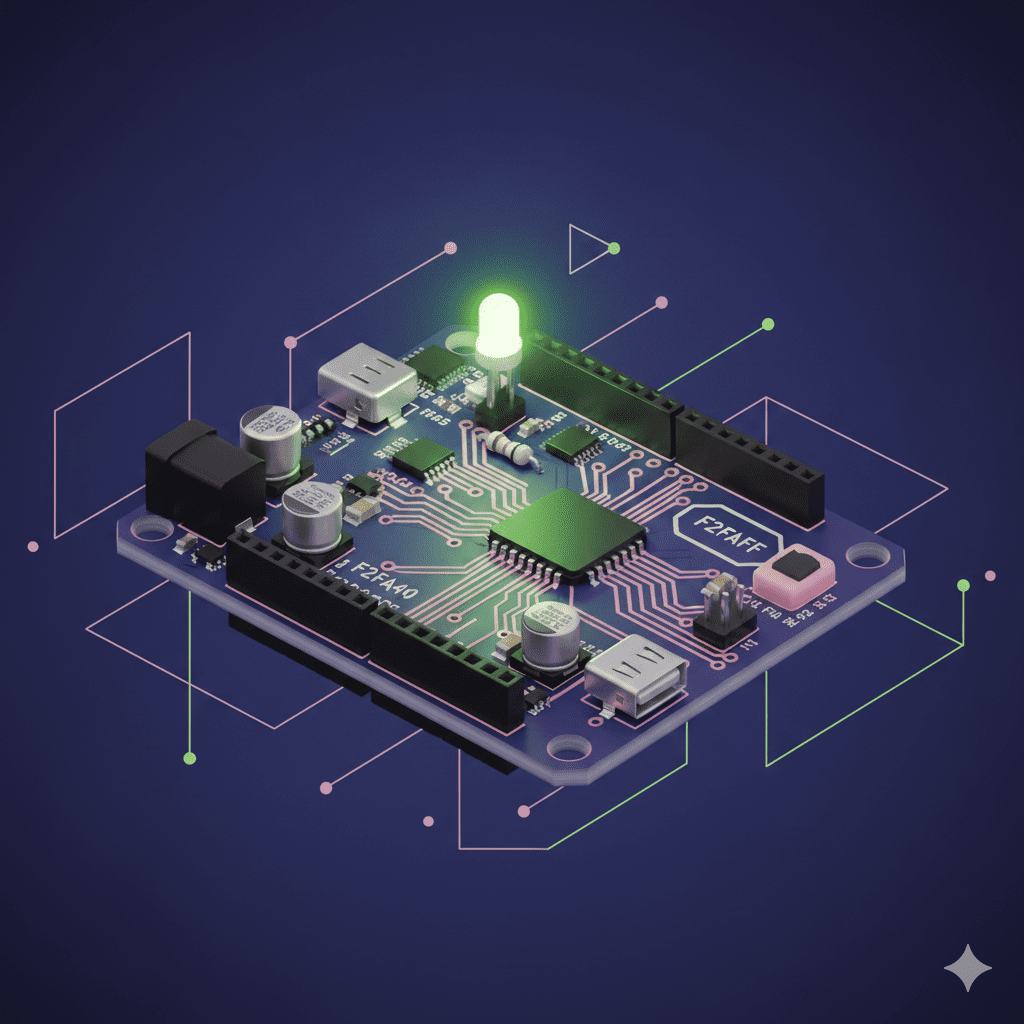
Objective: to learn how to control a digital output.
What you will learn: pins, basic code and program structure.
void setup() {
  pinMode(13, OUTPUT);
}
void loop() {
  digitalWrite(13, HIGH);
  delay(1000);
  digitalWrite(13, LOW);
  delay(1000);
}
In a simulator, you will see the LED blink without needing to physically connect it.
2. Pushbutton + LED: basic interaction
Objective: to learn how to control a digital output.
What will you learn: reading buttons, using conditionals.
This project helps to understand how Arduino «reads» the real world.
Simple thermometer with temperature sensor
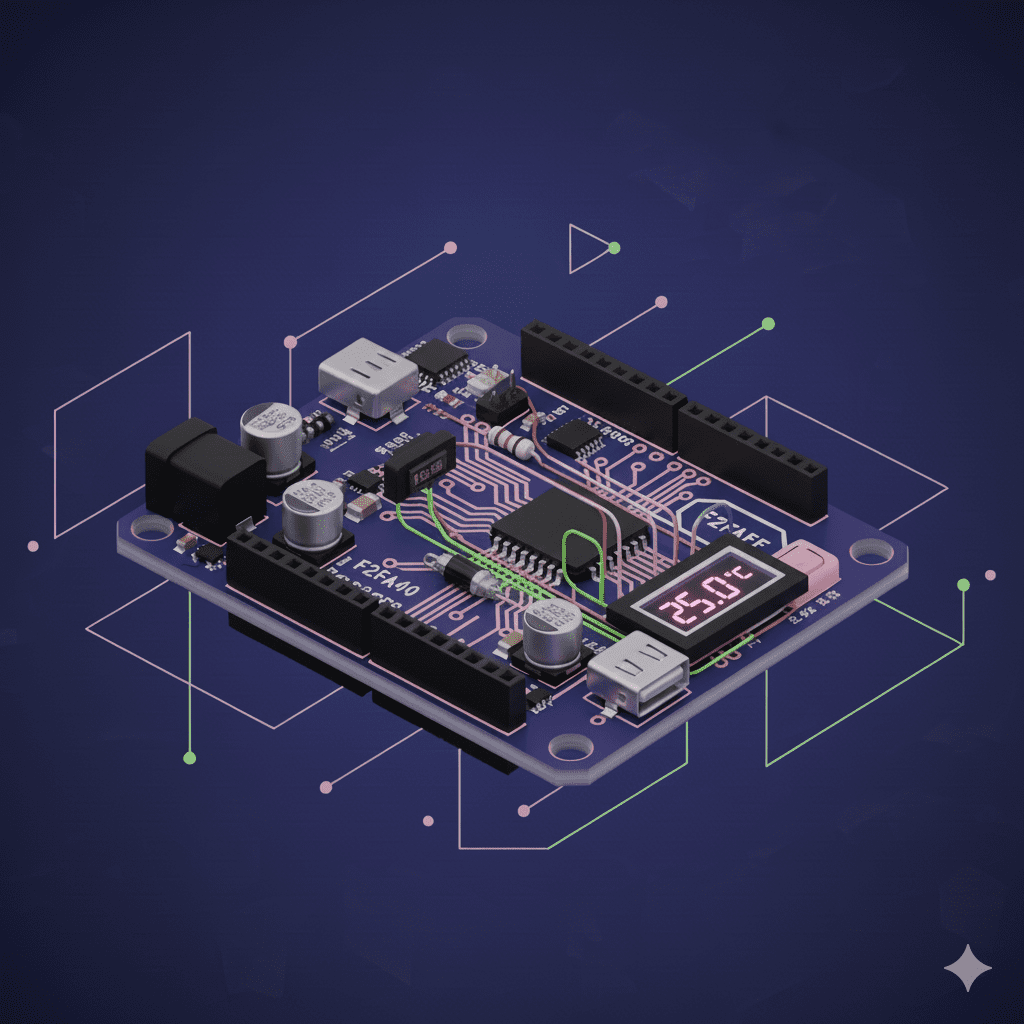
Target: use analog sensors.
What will you learn: analog reading, value mapping, data conversion.
In a simulated environment, you will be able to see how the readings change as the virtual temperature changes.
4. Ultrasonic sensor alarm
Target: detecting distances.
What will you learn: working with libraries, sensors and calculations.
This project is ideal for understanding the principles of a security system.
5. Automatic traffic light
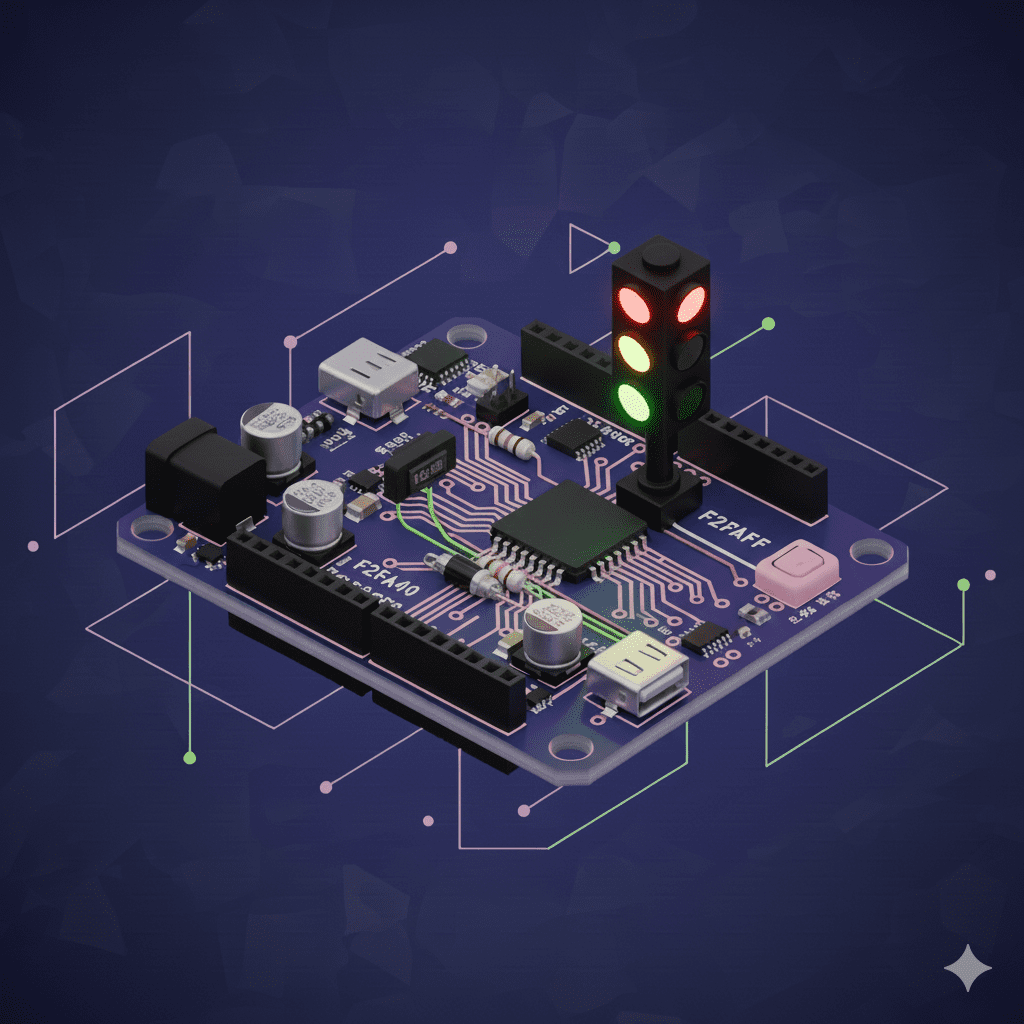
Target: practicing time logic.
What will you learnSequential control, delays, design of simple systems.
Perfect for students who want to understand how real systems work.
Advantages of using simulators for your first projects
The simulated examples allow you to:
Platforms like FoxBit offer an interactive 3D environment designed for beginners, where you can follow step-by-step guides and learn Arduino in a practical and motivating way.
Don't know what FoxBit is? You can read our entry: What is FoxBit: Learning Arduino in a 3D environment.
And if you want to go deeper into simulation: Simulating to learn: virtual environments that democratize electronics.